Is buying Discord boosts safe?
Buying boosts is safe when the seller only needs an invite link and stands behind the order. Most of the risk comes from sellers who ask for more than that, and a few red flags give them away.

What can go wrong
Most bad experiences fall into one of four groups, and only the first is common with an established store.
| Risk | How likely with a reputable store | How to protect yourself |
|---|---|---|
| Boosts drop before the term ends | Occasional | A warranty that replaces dropped boosts |
| Order never delivered | Rare | Reviews, plus payment with buyer protection |
| Account stolen | Only if you hand over a login or token | Never share your login, token or 2FA code |
| Server lost or raided | Only if you grant admin or install unknown bots | Give an invite link and nothing else |
Boosts dropping early
Boosts delivered through an invite come from boost accounts that join your server. If one of those accounts is removed, its boost goes with it. A good seller replaces dropped boosts on eligible packages during the term. A written warranty is worth more than the lowest price.
Your server itself
Boosting is a normal Discord feature, and a seller that delivers through an invite never touches your server's settings. Discord's enforcement is aimed at accounts that break its rules, so with an invite-only seller the practical risk is boosts leaving early, which is what the warranty is for. Your server's members, channels and roles are never involved.
Red flags that give a scam away
Other warning signs are softer, but add up:
- Prices far below everyone else with no reviews or history.
- No warranty, or no written terms for what happens if boosts drop.
- No support channel you can reach before you buy.
- Reviews only on the seller's own site, with none on an independent platform.
- Pressure to pay fast, like a countdown that resets or a "last slot" that's always available.
Checks before you buy
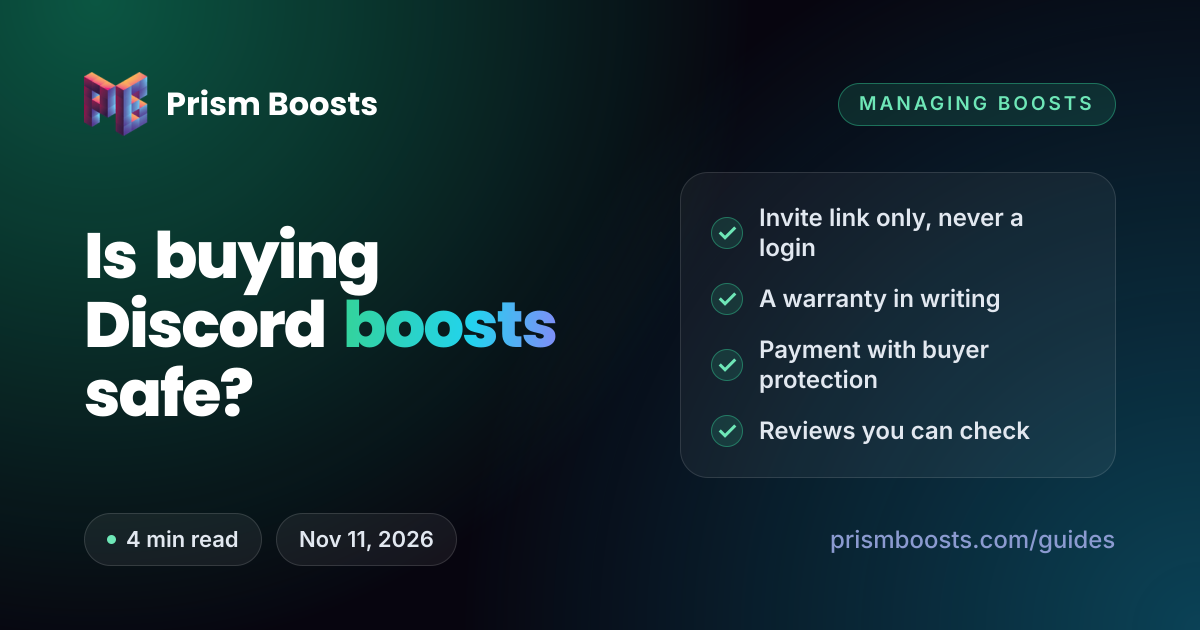
- Read the terms. Look for the term length, what happens if boosts drop, and the refund or replacement policy.
- Check independent reviews. Look for recent reviews on a platform the seller doesn't run, and read the negative ones too.
- Ask support a question. A quick, clear reply before you pay is a good sign of how an issue will be handled after.
- Pay with buyer protection. Cards, PayPal and other protected methods give you a route back if an order never arrives.
- Make a dedicated invite. Create a permanent invite with no max uses, from a text channel, with Apply to Join turned off.
How to create that invite, and why each setting matters, is covered in how to manage your server's boosts safely.
After the boosts arrive
- Check the Server Boosts tab in Server Settings. It shows the boost count and your level.
- Keep your order confirmation until the term ends, so a warranty claim is quick.
- Leave the invite in place for the term. A replacement for a dropped boost needs it.
- Don't let anti-raid bots kick new members while boosts are being delivered.
How Prism Boosts handles each risk
| Risk | What we do |
|---|---|
| Account safety | Delivery uses your invite link only. We never ask for a login, token or 2FA code. |
| Bad invite links | Your invite is checked with Discord before you pay, so a broken link can't waste an order. |
| Dropped boosts | Eligible packages are replaced if boosts drop inside the warranty period. |
| Payment | 30+ methods, including cards and PayPal. Nothing renews and no card is kept on file. |
| Reviews | Every review is collected on MyVouch.es, an independent platform. |
Boosts with nothing but an invite link
Packages from $3.49, delivered in about a minute, with warranty replacement on eligible packages.
Common questions
Is it safe to buy Discord server boosts?
Yes, from a seller that only needs your server invite link and offers a written warranty. Never share your password, token or 2FA code. Handing those over is how accounts get stolen.
Can my Discord server get banned for buying boosts?
Boosting is a normal Discord feature, and an invite-only seller never touches your server's settings. Discord's enforcement targets accounts that break its rules. The practical risk is boosts leaving early, which a warranty covers.
Why does a boost seller need my invite link?
Boosts are delivered by boost accounts joining your server through the invite and applying their boosts. A permanent invite with no max uses makes sure every one of them can get in.
What should I do if a seller asks for my token?
Don't send it, and don't buy from them. Your token gives full access to your account without your password. If you've already shared it, change your password straight away, which resets the token.
Are bought boosts the same as boosts from Discord?
Yes. They're ordinary Discord boosts and unlock the same levels and perks. The difference is that they're held by boost accounts in your server rather than by your own account, so they can't be moved to another server.